Canvas#
One-click "Add To Vault"#
The platform simplifies the process of saving and archiving models with its "Add to Vault" feature. From either the chart detail or grid detail views, users can select any saved epoch of a model and choose to add it to the vault.
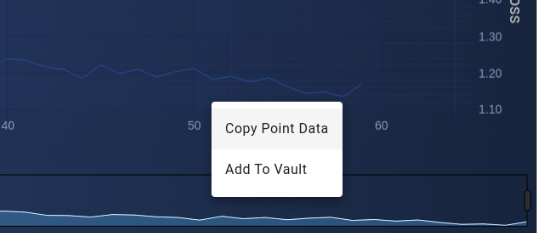
This action securely stores the design canvas, the trained weights, input features, the schema used for data preparation, and all other essential components needed for future predictions and audits. By archiving these elements, users can ensure that their models are preserved in a complete and retrievable state, allowing for easy future reference, deployment, or analysis. This comprehensive approach to model management supports both ongoing development and long-term project maintenance.
Model Registry (Vault)#
The Vault is a model registry which serves as a centralized repository for all saved models. When a model is added to the vault, all vault data are copied from the training machine to this central storage. IT administrators benefit from a single point of management for backups and data integrity, simplifying the maintenance process.
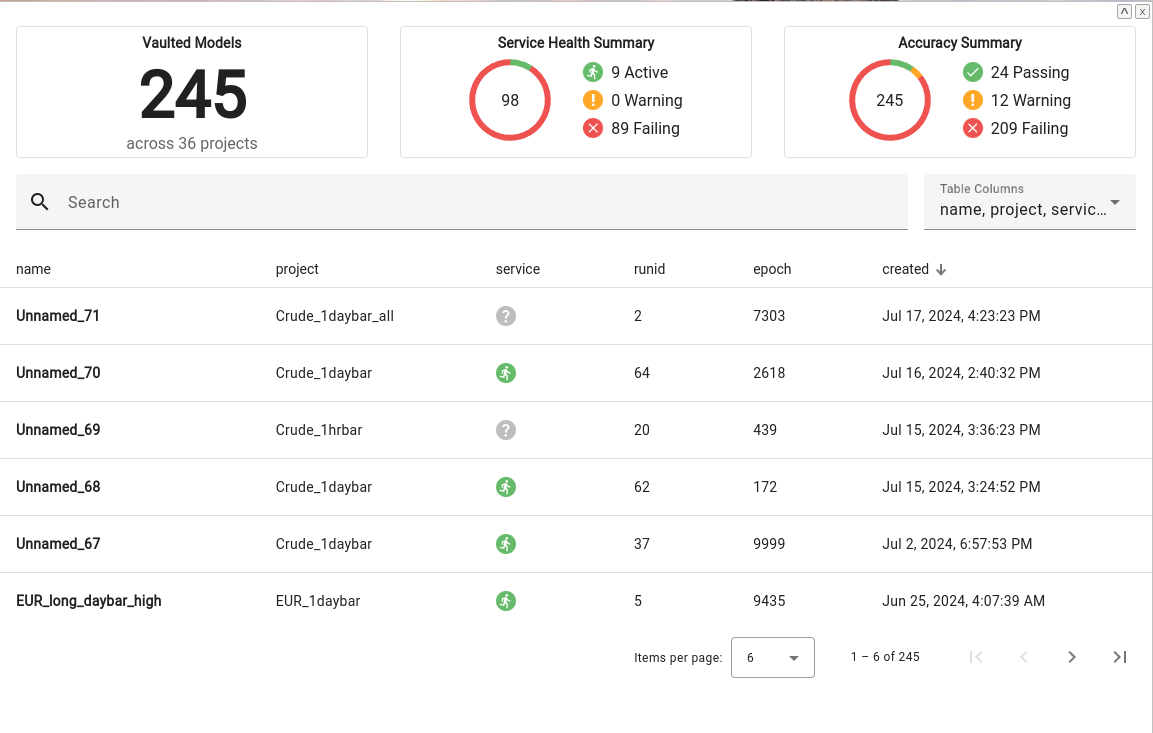
The vault enables efficient tracking and management of models, providing detailed insights and tools for optimizing performance while supporting long-term strategy and decision-making.
Saved Model Detail#
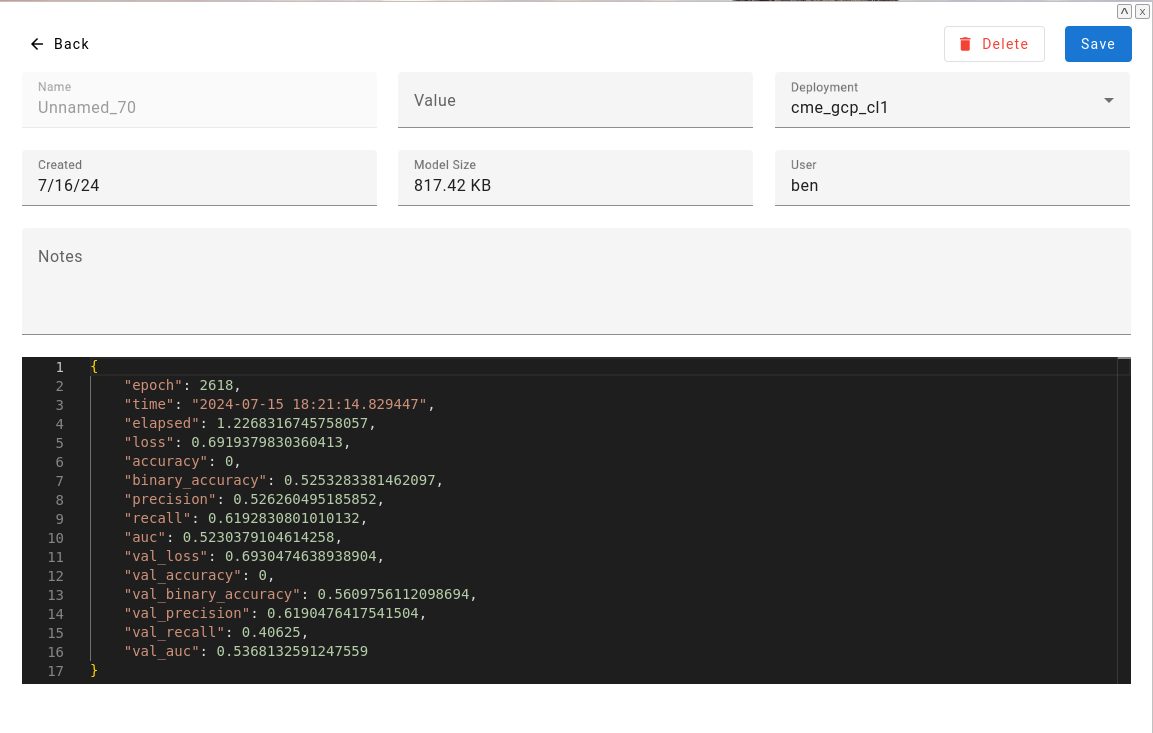
When a model is added to the vault, all associated data—including the design canvas, trained weights, input features, and the schema used for data preparation, are copied to a centralized storage location.
Playground#
Open any vaulted model to run live inference, explore counterfactual scenarios, and analyze feature impact against real test data.
Transfer Learning from Vault#
Vaulted models can serve as starting points for new training runs through transfer learning. Instead of training from random weights, you can initialize a new model with learned weights from a vaulted model.
For the UI-based approach to transfer learning, including component name matching and freezing layers, see Continuous Learning.
How It Works#
In your canvas definition, specify a transfer property with the name of a vaulted model:
{
  "name": "Improved_Model_v2",
  "transfer": "Production_Model_v1",
  "assets": ["schema_xyz"],
  "nodes": [...]
}
When training begins, the platform:
- Loads the vaulted model's weights
- Matches weights to layers by name
- Initializes matching layers with learned weights
- Trains from this starting point
Architecture Flexibility#
Because weights are matched by layer name (not position), you can modify the architecture between the source and target models:
- Add new layers: New layers initialize randomly, existing layers preserve learned weights
- Remove layers: Removed layer weights are simply ignored
- Change layer sizes: Only layers with matching names AND compatible shapes transfer
This enables iterative model improvement—start with a proven model, add capacity or complexity, and benefit from previously learned representations.
Use Cases#
Domain Adaptation: Train a general model, then fine-tune on specific subsets of data while preserving broad learned patterns.
Incremental Improvement: Each model generation builds on the previous, compounding learning across training runs.
Faster Convergence: Pre-initialized weights often reach good performance in fewer epochs than random initialization.