Mobile: the third door#
The server is for IT. The desktop is for engineers. The phone is for the person who needs to know what their agents are doing without sitting at a desk.
Check, redirect, approve#
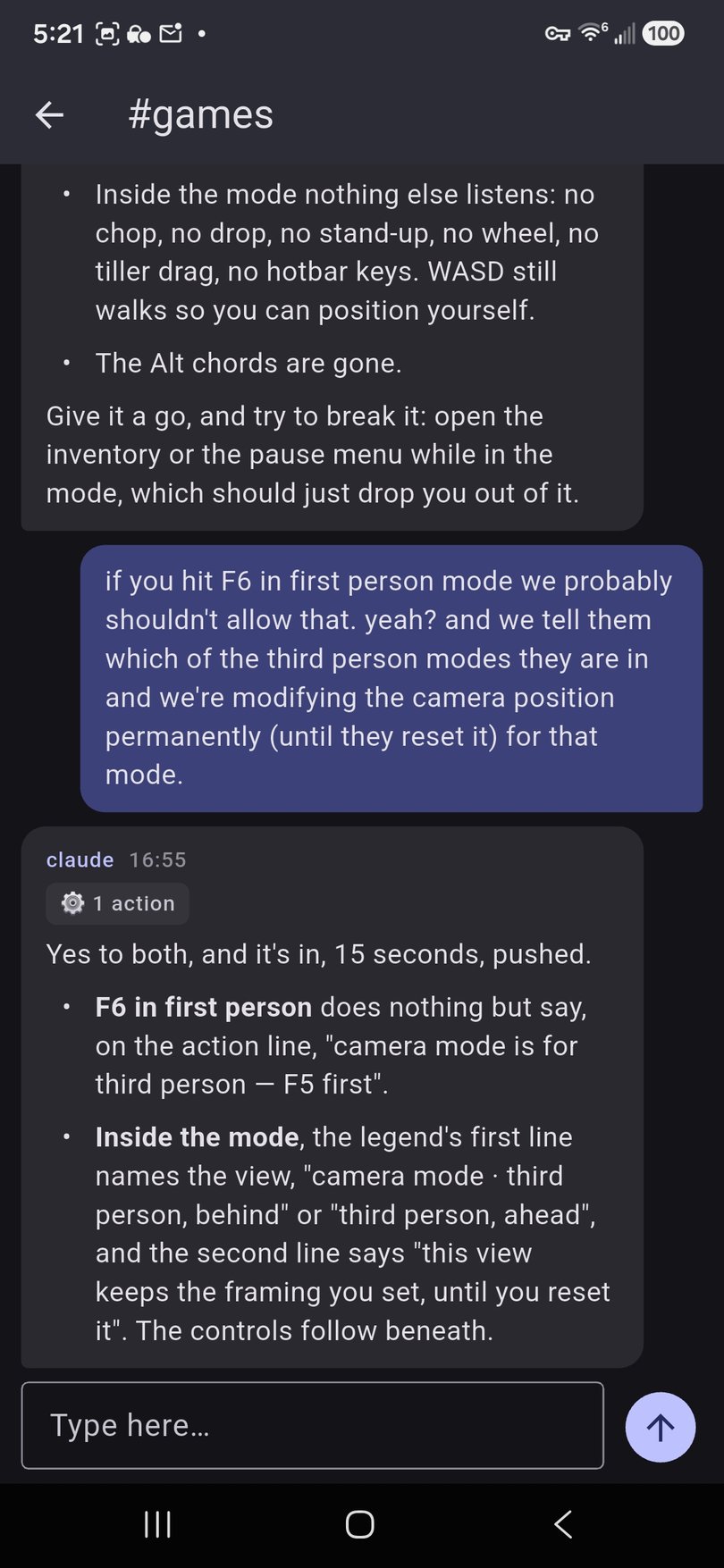
Open a channel, read what the agent did while you were away, and tell it what to do next. The phone shows every tool call the agent made, so "it finished" and "it says it finished" are two different things you can tell apart.
Real projects get finished because supervision no longer requires a desk.
Two ways in#
The web app works in any phone browser and is the fastest way to reach a team server. Voice is the primary input on a phone: tap and hold the microphone, speak, and the transcript is sent. Session switching collapses into a dropdown.
The native apps for iOS and Android are a purpose-built viewer for your fleet. They host no models and no agents; they pair with the machines that do. Both are in beta today — iOS on TestFlight, Android on the internal track. Ask your partner for an invitation.
Pairing#
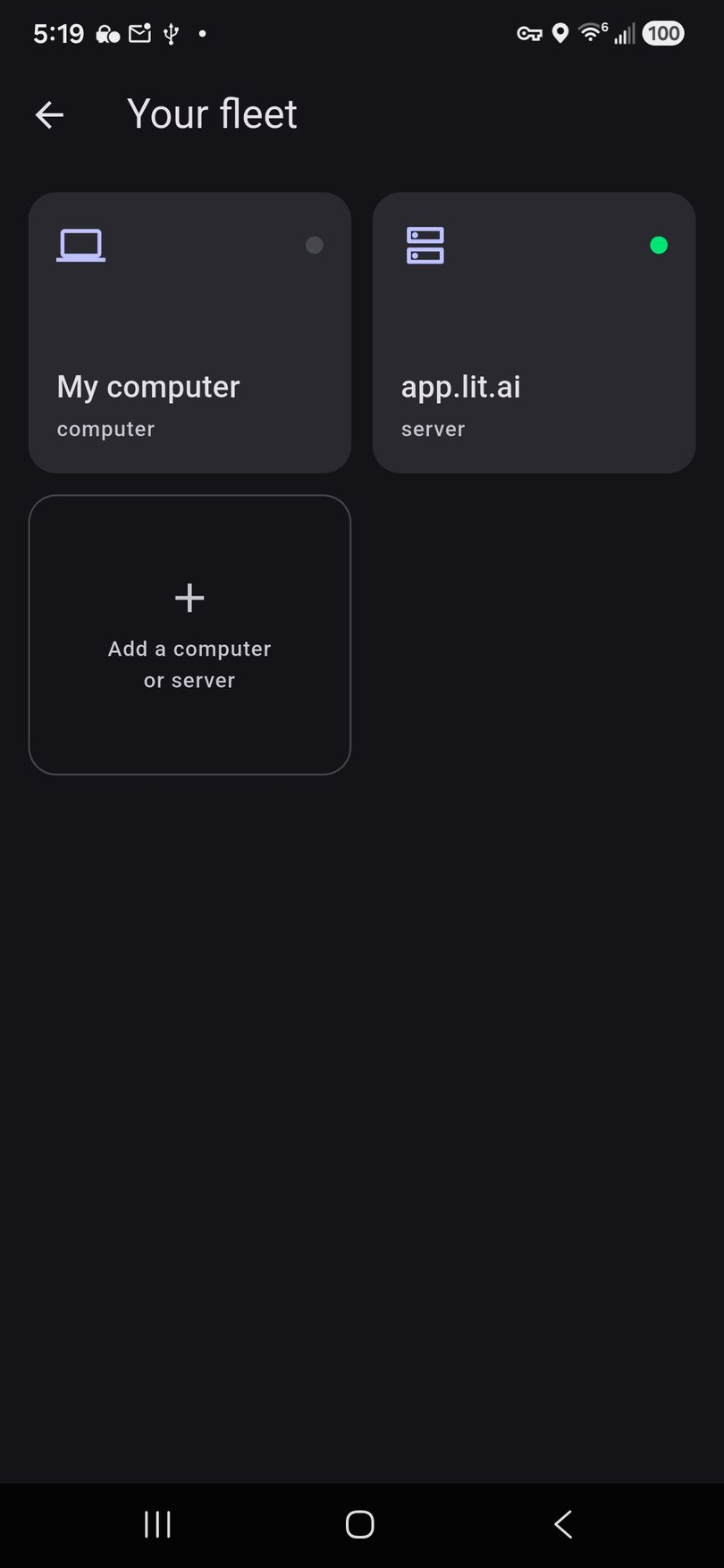
Pairing is one gesture: scan the QR a host shows you. A desktop shows its code under Settings → Mobile access; a server shows its code under Settings → Mobile. The payload carries the address and a token, so a laptop on your home network and a team server across the country arrive through the same scanner.
The app shows one tile per paired computer or server, with liveness at a glance. Drill into a tile for its teams and channels; recent channels sit on the home screen. When a laptop is asleep, its channels read "your computer is asleep" — a door, not an error.
Approval cards#
When an agent needs a decision, it asks. The question arrives as a card in the channel with the options as buttons. Tap one and the agent continues. This is the dialog relay: the agent's question travels from the harness on the server to whatever screen you happen to be looking at, and the answer travels back. Approving a plan from the sofa is the whole point.
Re-auth from the phone#
A Claude seat's login eventually expires, usually at the worst time. When an agent reports a dead credential, the fix is one tap away in the same thread: the app drives the same sign-in wizard the web app uses, opens the vendor's page in your phone's browser, and you paste the code back. The credential lives on the host. Nothing is stored on the phone.
Partner-branded builds#
The app is built with a brand seam, the same one the desktop has. A partner ships it under their own name, icon and colours, pointed at their own servers. Their customers see the partner's app, not ours.
What's not on the phone#
No models, no agents, no data at rest. The phone is a viewer. That keeps it free, keeps it simple, and keeps everything that matters on the machine you already trust. Reaching that machine from outside your network is the subject of Reach.
Reach: your agent, from anywhere → Desktop: the second door →